TANGY
2D games for Linux, Windows, and the 3DS. A love letter to the SNES era.
A free-to-use homebrew 2D engine with Lua scripting — make desktop games with keyboard input, export for Linux, Windows, and the Nintendo 3DS family, and learn something fun. Simple, easy to learn, and built for educational, non-profit creation.
A love letter to the SNES era — desktop games on Linux and Windows, 3DS homebrew too. macOS planned.
What is Tangy?
Tangy is a 16-bit-style 2D engine for making games on Linux and Windows
desktops (keyboard input) and for Nintendo 3DS family homebrew
(400×240 @ 60 Hz). Write games in Lua, paint assets in Aseprite, then export with the included
tools for desktop or a .3dsx for the 3DS. macOS targets are planned.
You get the compiled runtime, editor, and asset tools for free. Tangy is non-profit and aimed at educational use — not commercial shipping. It is a love letter to the SNES era of Nintendo games: limited colour, tile maps, sprites, and the joy of making something that feels at home on a handheld — or on your desktop.
Downloads are a single archive per platform with everything you need to start — runtime, editor, converters, game compiler, and the example projects. Use the same toolchain to ship a desktop game on Linux or Windows, or pack for the 3DS.
For people who just want to make games
Tangy Engine is meant to be simple for people who just want to make games in Lua who don't care about showing off or being elitetist with some open-source project. I like open-source but this is not open source and is a passion project of mine. It is for people who just want to make retro styled games. If you want open-source go contribute to many other wonderful projects out there that are open-source game engines.
Come hang out on Discord — ask questions, share what you’re making, and meet other Tangy creators.
Examples in action
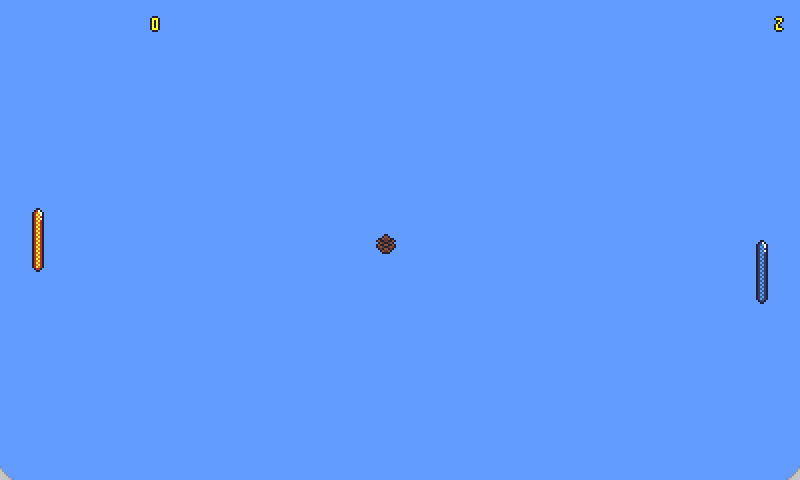
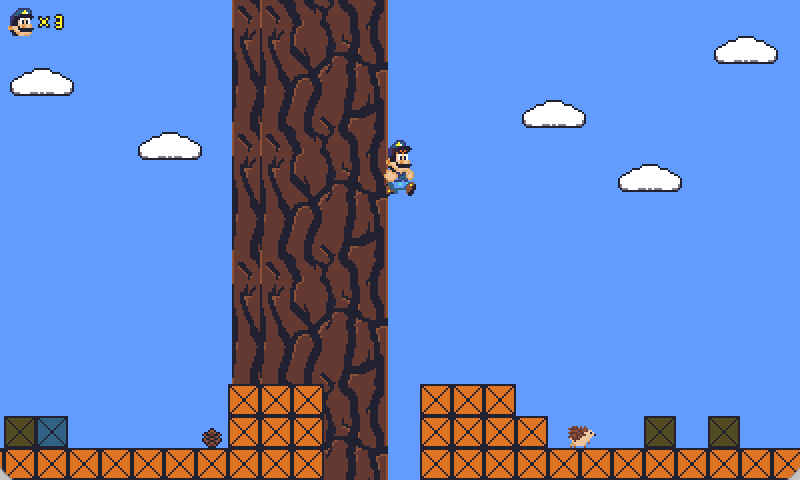
Captured live from the Tangy Linux desktop runtime (keyboard playable). Hello is the easy start; Pong is medium; Platformer shows the full feature set. The same games can be exported for the 3DS family.
Make art with Aseprite
Draw sprites and tiles in Aseprite, then convert them with the included tools so Tangy can load them from your Lua game. We encourage you to buy the paid version of Aseprite to support its developers. If you prefer, you can also compile Aseprite yourself from source and use it for free.